ArcGIS Web Editing: Local and Online Interaction
Context
This walkthrough is based on testing the ArcGIS Web Editing for JavaScript SDK (2025) demo code (GitHub repo). The demo references a web map hosted in ArcGIS Online with editing enabled.
The key question: Do edits made locally through the app affect the hosted web map, or are they only local to the client?
Testing Workflow
Local Implementation
Cloned the demo repository locally.
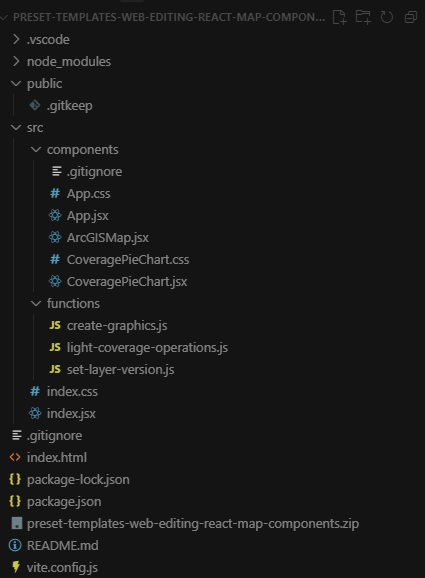
Set up and ran the React implementation:
- Started the app using
npm run dev.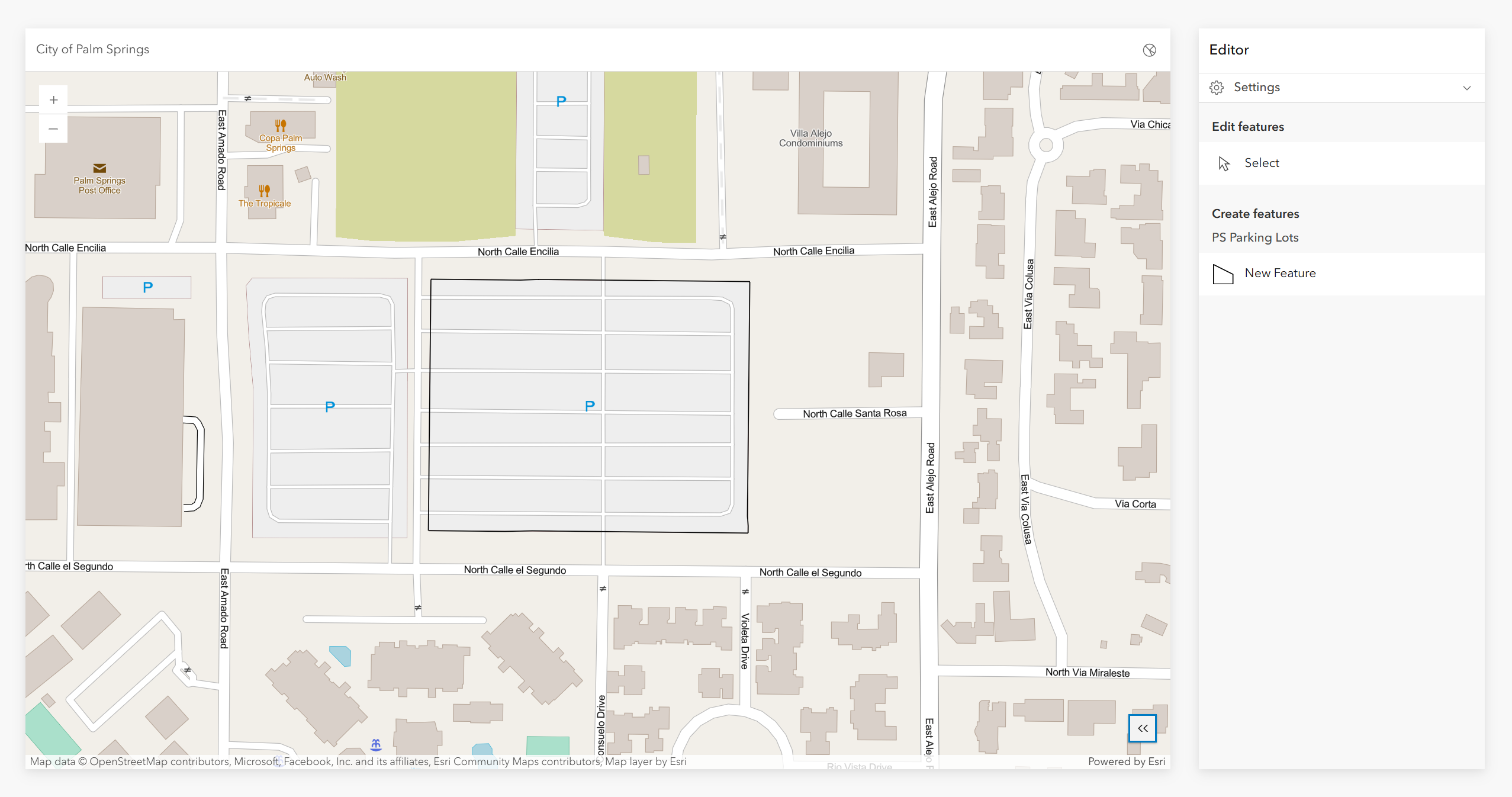
- Create a new feature in the map.
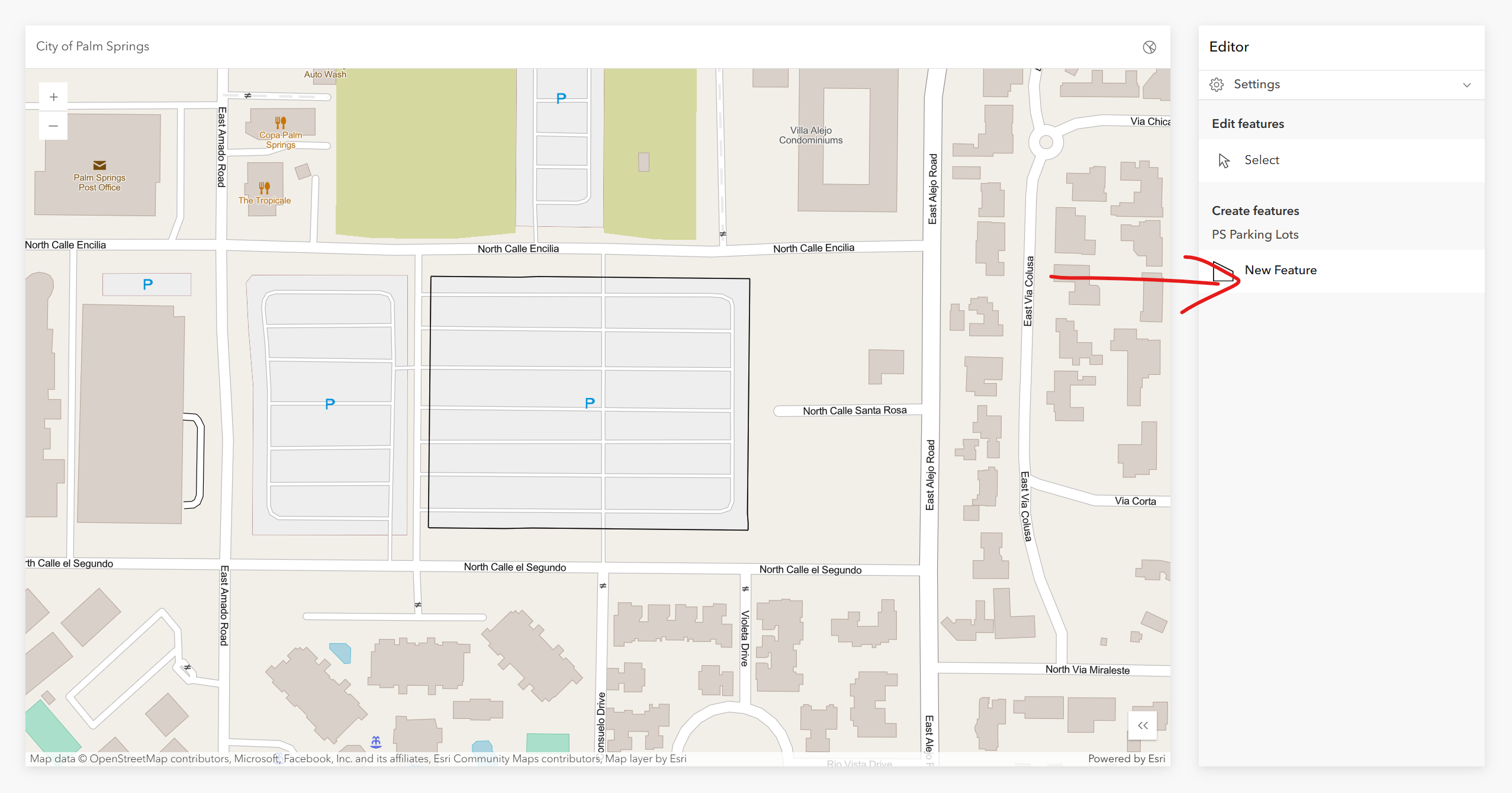
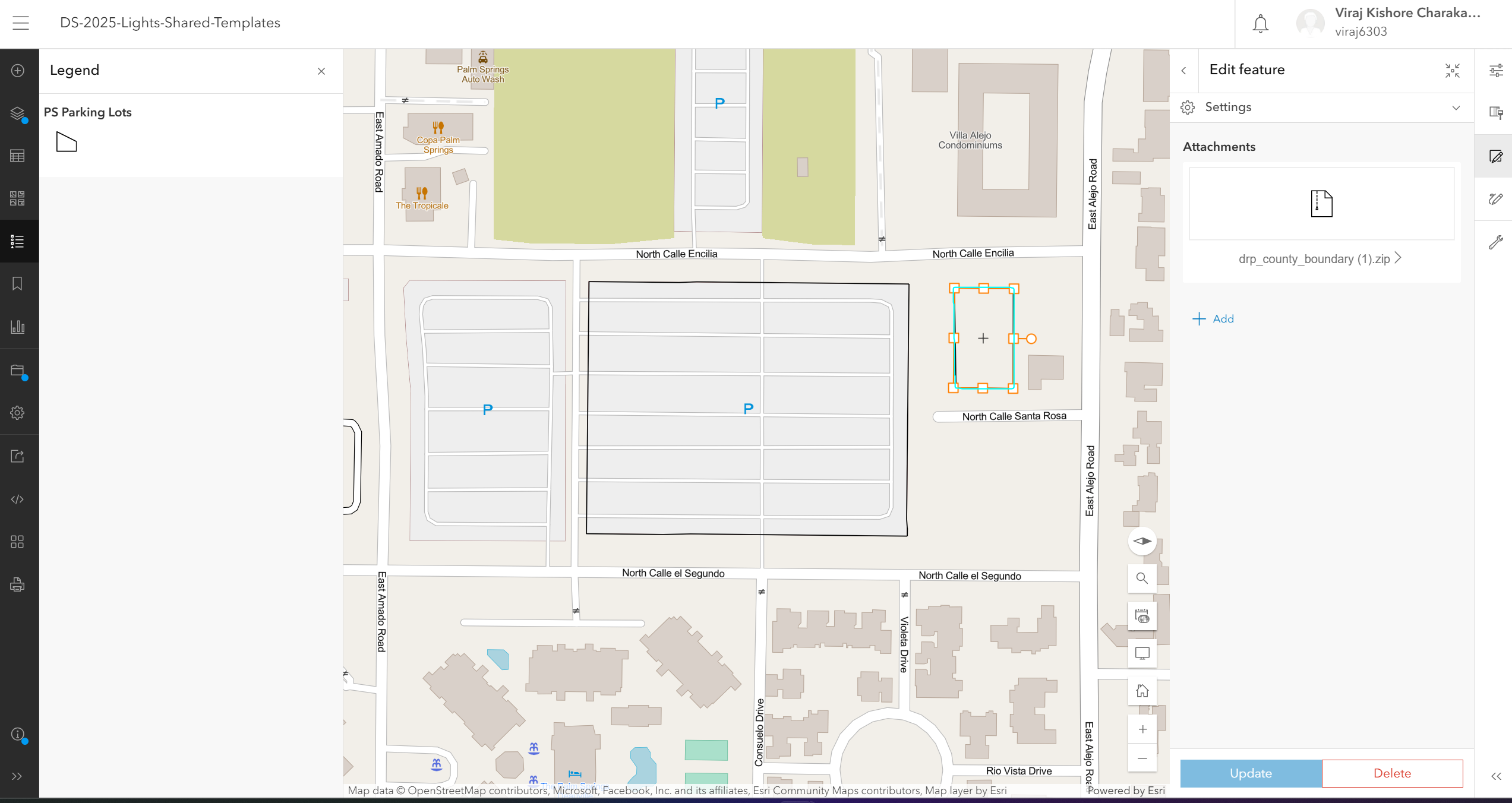
- Sketched a rectangular polygon.
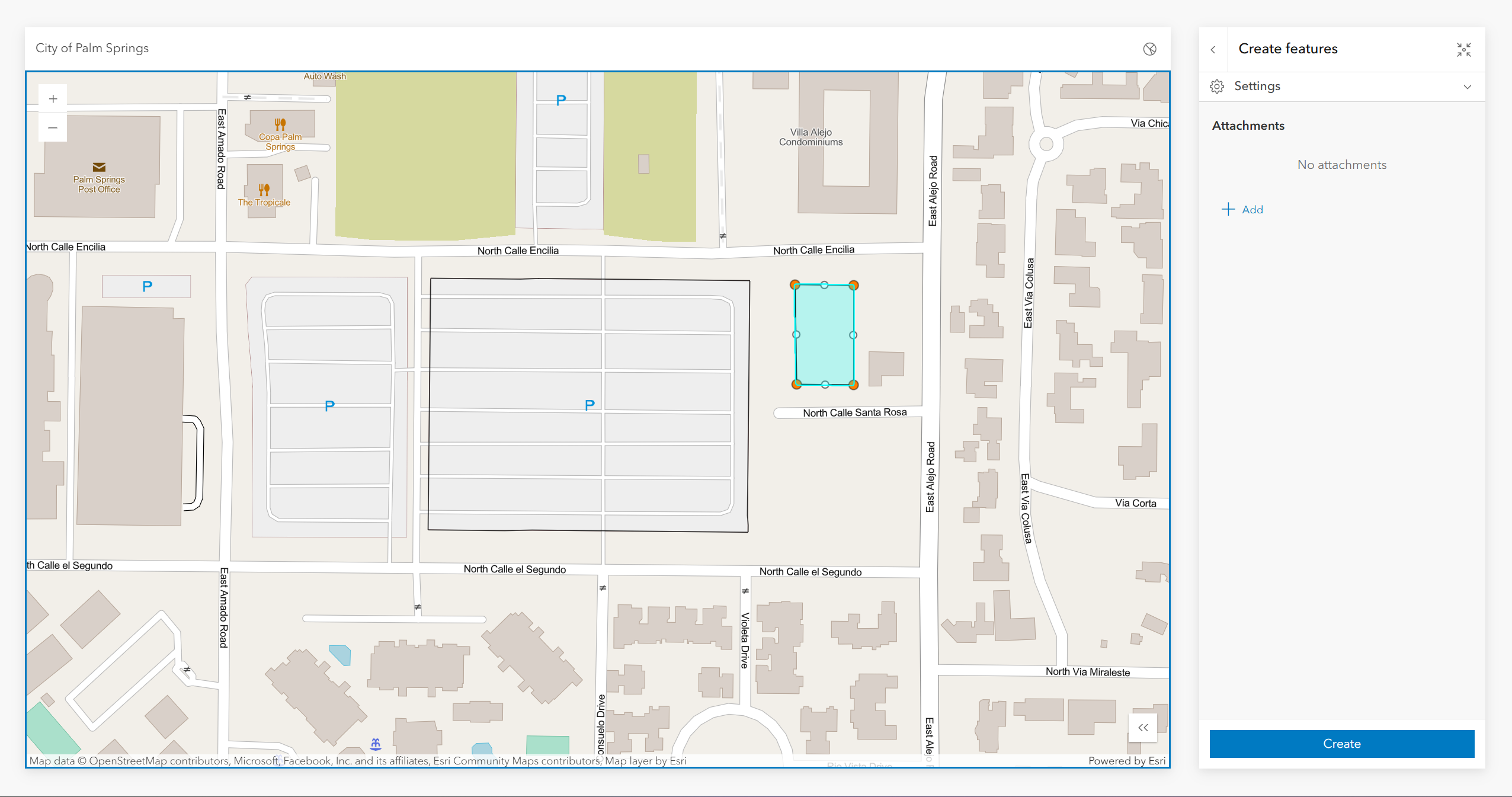
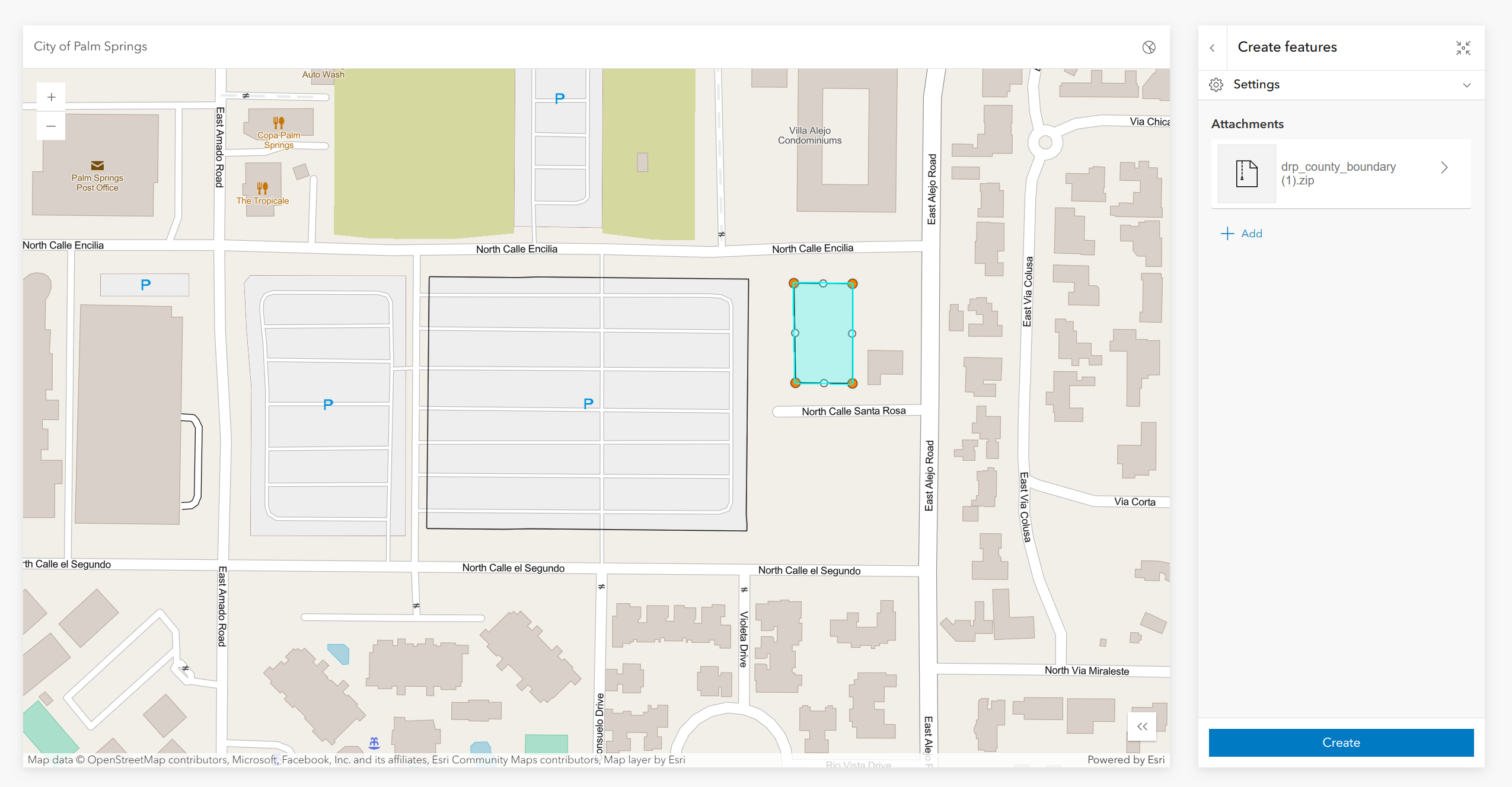
- Added an attachment to the feature.
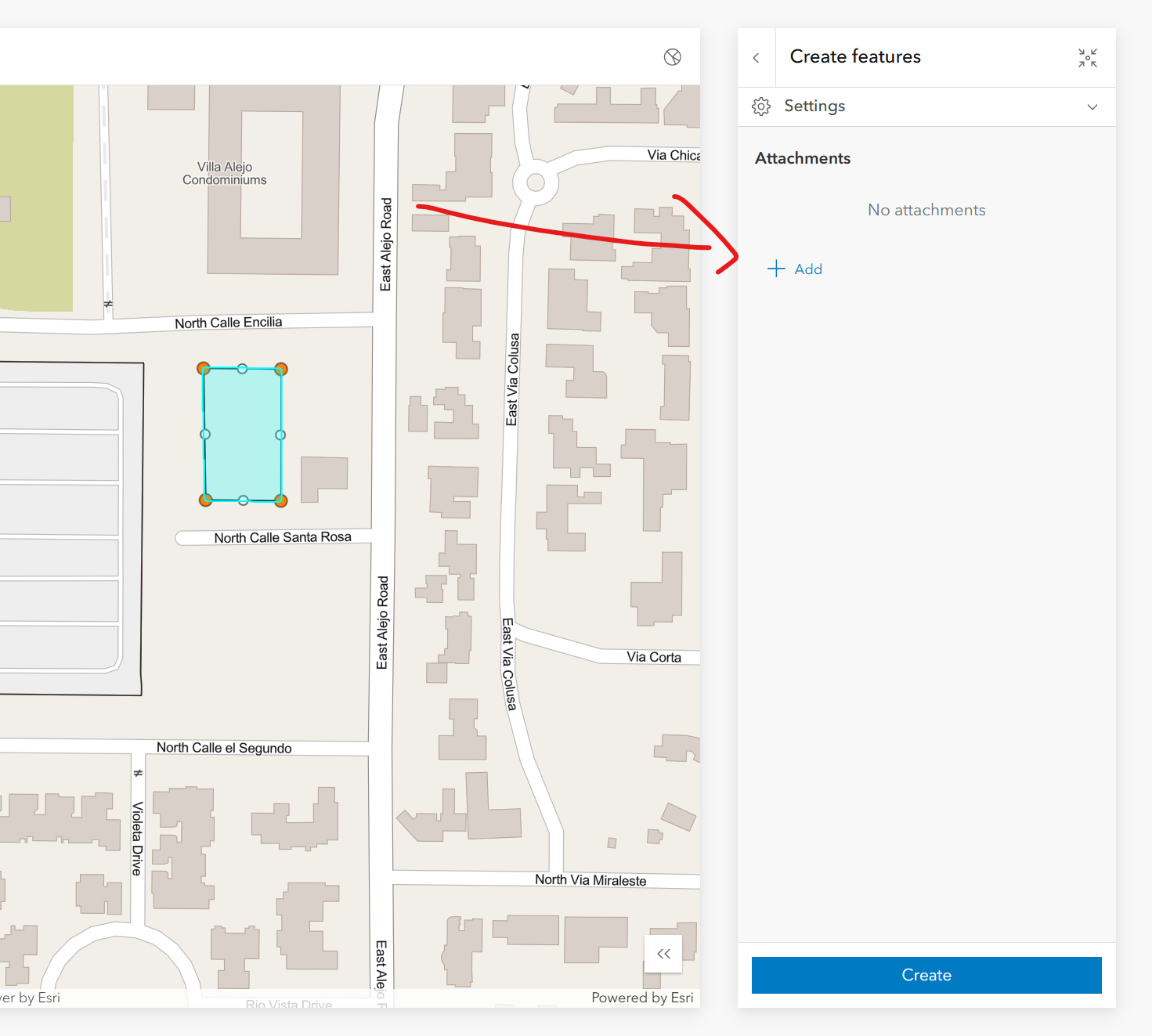
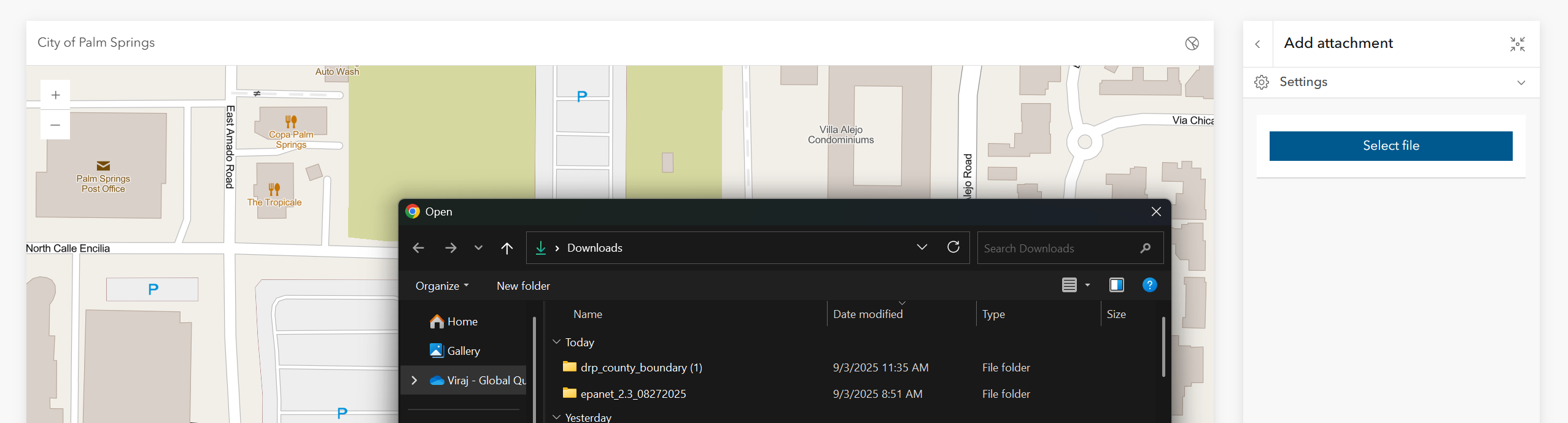
- Verified the attachment upload succeeded.
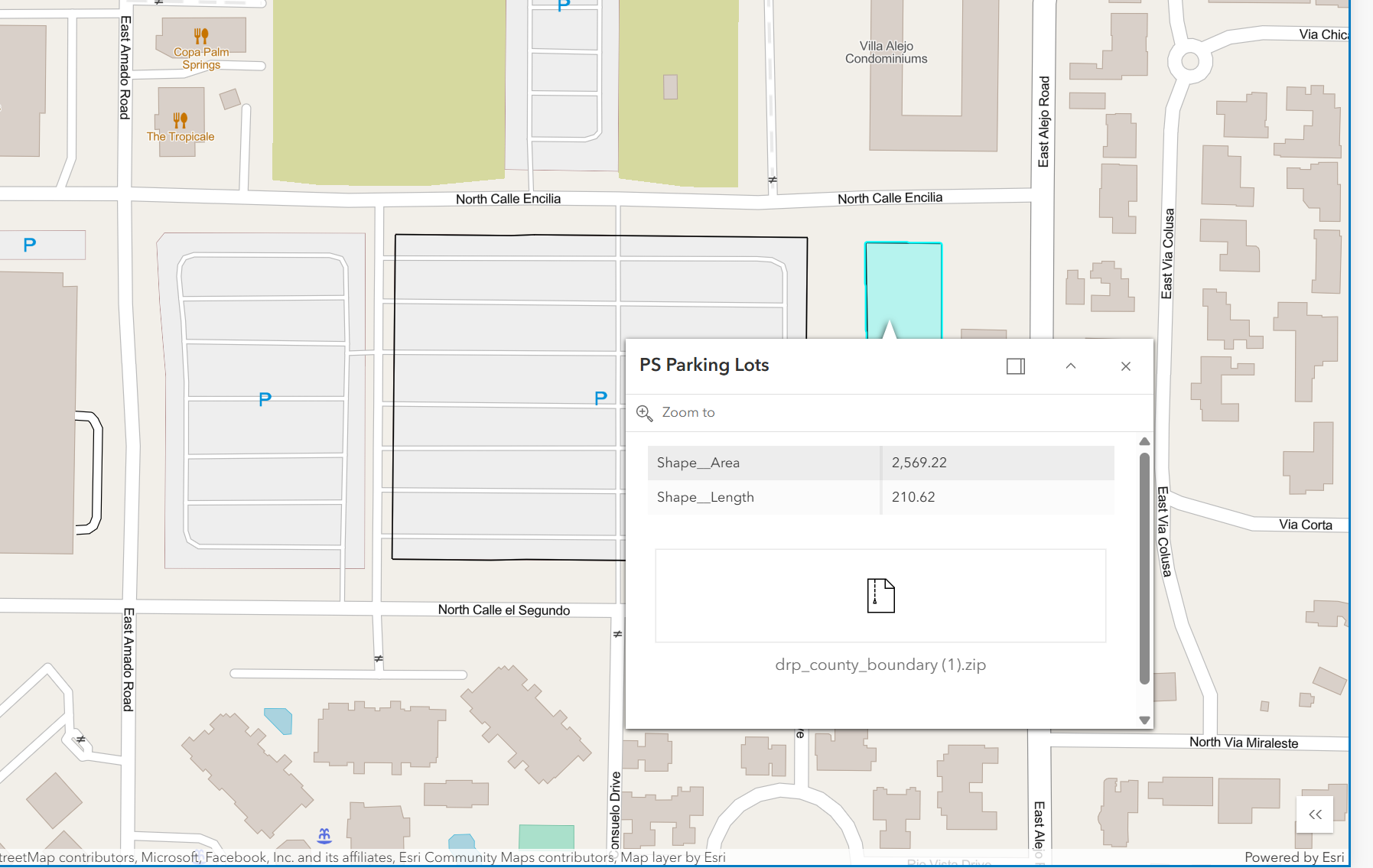
- Confirmed the feature was visible in the map view.
- Started the app using
Notes:
- No explicit workflow was required to “publish” or “sync” edits back to ArcGIS Online.
- The feature layer’s editing capabilities were configured to allow only
Createoperations (no update or delete).
Online Verification
After creating the feature locally, the hosted web map was checked directly in ArcGIS Online by searching for the referenced web map ID.
Results:
- The feature created locally was visible in the hosted web map.
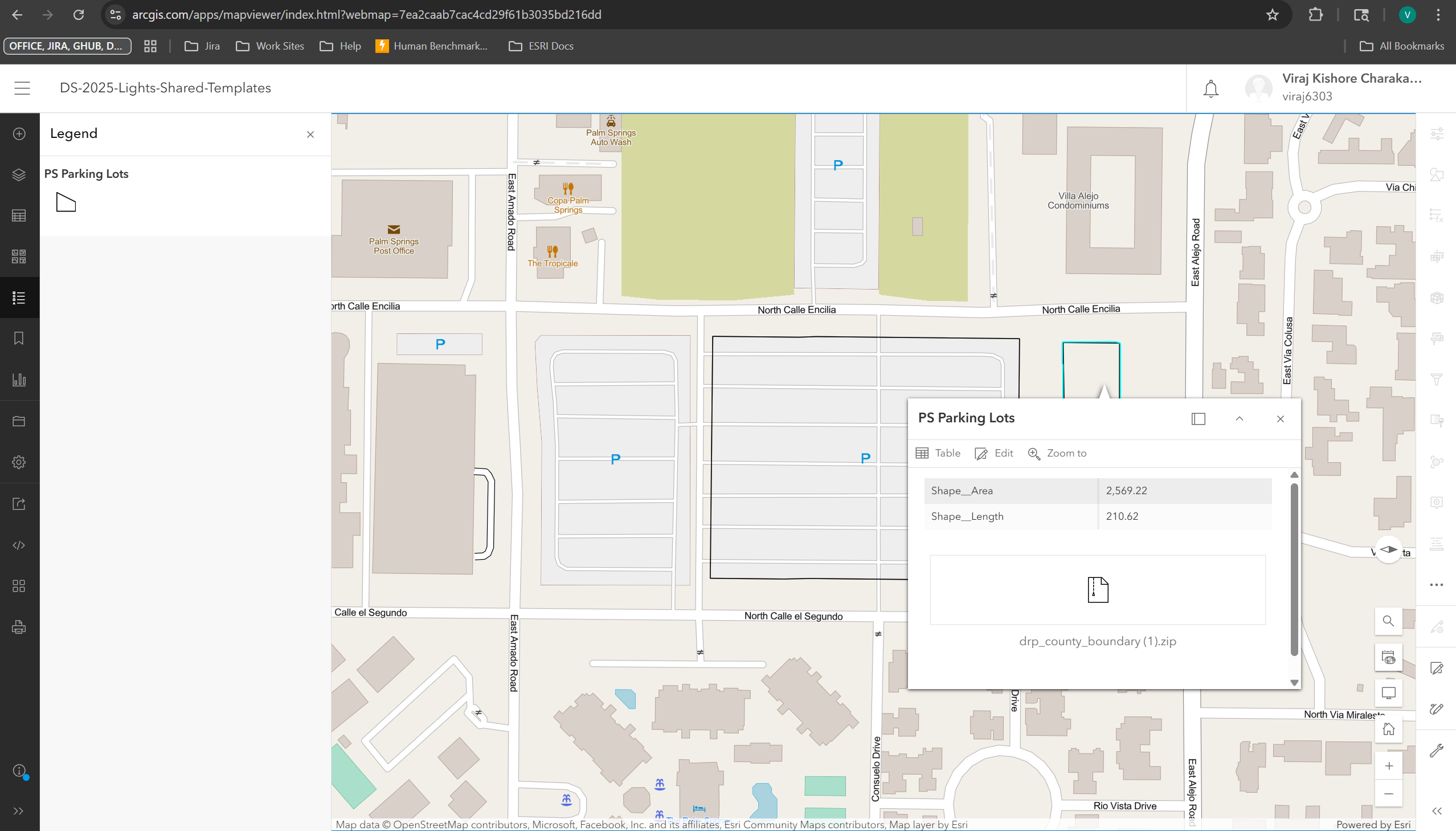
- The ArcGIS Online Map Viewer allowed further editing of this feature.
- In the web map, delete functionality was also available (even though the local app limited editing to create-only).
Conclusion
Edits made through the ArcGIS Maps SDK for JavaScript (using a web map ID that references an editable feature layer) are applied directly to the hosted data source. No manual synchronization is needed — the app interacts with the feature service in real time.